
A 44-minute lecture, turned into four short lessons that stand on their own
How a class, webinar or coaching session becomes clips that each teach one idea, with slides kept readable and a headline on screen.
50 free minutes to try it.
The situation
- Teaching videos are long and the best ideas are spread across the hour: an example here, a rule of thumb there.
- A clip has to make sense to someone who never saw the class. Cutting mid-sentence or mid-example loses them.
- Many classes switch between the teacher and slides or a screen share. A tight face crop cuts the slide text off.
What Reel Stack does with the video
- 1
Add the class or webinar
Paste a link or upload the recording. Reel Stack reads the video's captions when it has them, or transcribes the speech.
IllustrationIllustration of the New clips page. - 2
Clips that stand alone
AI reads the whole transcript, proposes complete moments and judges each one, including whether it makes sense without the rest of the video. Clip edges are placed on sentence ends where possible, so a clip doesn't stop mid-thought.
IllustrationIllustration of a clip card with its viral score and reason. - 3
Keep slides readable
Whole frame keeps the entire picture, so slides, code and whiteboards stay in view. Auto switches to Whole frame on its own when a clip shows a face less than 30% of the time. Square puts the clip's hook title above the video as a headline for the whole clip.
IllustrationIllustration of the layout and “Post to” settings. - 4
Pick where you'll post
Choose All platforms, TikTok, Instagram Reels, YouTube Shorts or Facebook Reels. The score and the default clip length follow that platform (for example 15 to 60 seconds for YouTube Shorts). You can change the lengths before you start.
Real output from a recorded lecture
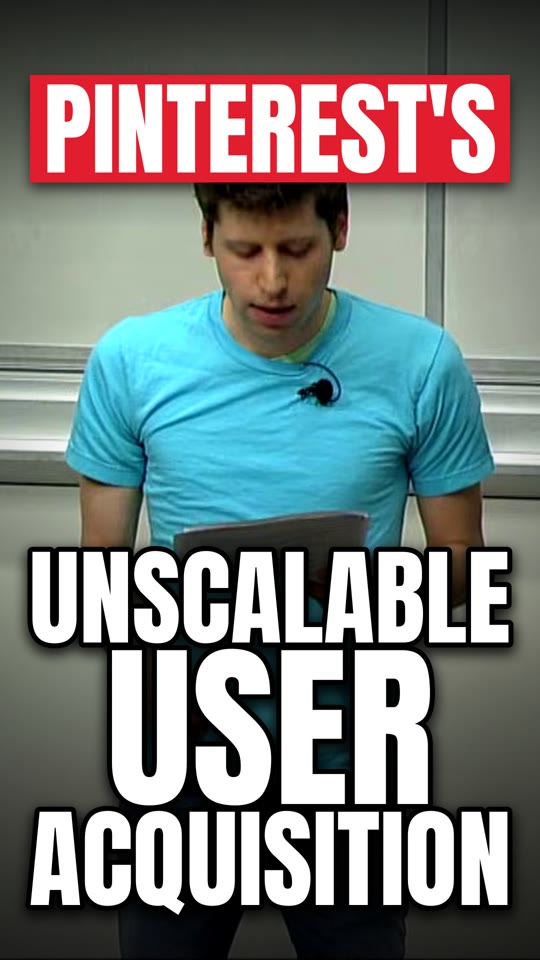
We gave Reel Stack a 44-minute university lecture. These are the four clips it made, with the scores and reasons it gave, untouched.
Made on 12 Nov 2026. Reasons are shortened from what the app showed; scores are from that run. Source: “Lecture 1 - How to Start a Startup” by YC Root Access (Creative Commons Attribution).
Why it fits coaches and educators
One idea per clip
The AI judges whether a moment stands alone, so each clip works as a mini-lesson for someone who never saw the class.
Slides survive
Whole frame and Auto keep wide, text-heavy shots intact instead of cropping into the middle.
Many languages
Speech recognition covers over 90 languages. Hindi sentence endings (।) are understood, so Hindi clips aren't cut mid-sentence, and AI thumbnails can show Hindi titles.
What it can't do yet
Worth knowing before you start.
- Burned-in captions currently support Latin, Cyrillic and Greek scripts. Hindi and other scripts are transcribed and clipped, but the captions on the video can't be drawn in those scripts yet.
- On Free, a video (or the part of it you choose) can be up to 30 minutes. Longer classes need a paid plan (up to 3 hours) or choosing one part of the video.
Can I clip just one section of a long class?
Can I fix a word the captions got wrong?
Ready to 10x your short‑form video output?
Paste a link or upload a file. Reel Stack finds the moments worth posting and turns them into captioned TikToks, Reels and Shorts.