
Several clients' long videos every week, kept apart and finished in one place
How a social media manager runs clips for many clients: a workspace per client, the right layout and format per brand, fixes in the editor, and a reason behind every pick.
50 free minutes to try it.
The situation
- Each client sends podcasts, webinars or talks every week, and expects a batch of shorts back.
- Clients' videos and clips must not get mixed up, and every client has their own look.
- Clients ask “why this clip?”. A clip needs small fixes (a misheard name, a slow start) before it goes out.
What Reel Stack does with the video
- 1
A workspace per client
Workspaces are folders that keep each client's videos and clips together. You can have 1 on Free, 3 on Pro and 10 on Agency. Switch between them from the sidebar.
IllustrationIllustration of the workspace switcher. - 2
Settings per job
For each video, choose the platform, layout, caption style, clip length and how many clips (up to 12). Besides 9:16, plans with more formats (Pro and Agency) can make 1:1 and 16:9 clips.
IllustrationIllustration of the New clips settings. - 3
Fix, don't re-edit
The clip editor lets you move the start and end (up to 30 seconds either way), cut words, fix caption words, change the caption style and position, rewrite the hook title and switch the layout, then render again. The original stays so you can go back.
Included on Pro and Agency.
IllustrationIllustration of the clip editor. - 4
Explain the picks, deliver the batch
Each clip's “Why it goes viral” tab explains its score in plain words, which you can pass on to the client. “Download all” saves every clip of a video at once.
IllustrationIllustration of a clip card's score and reason.
One moment, four looks
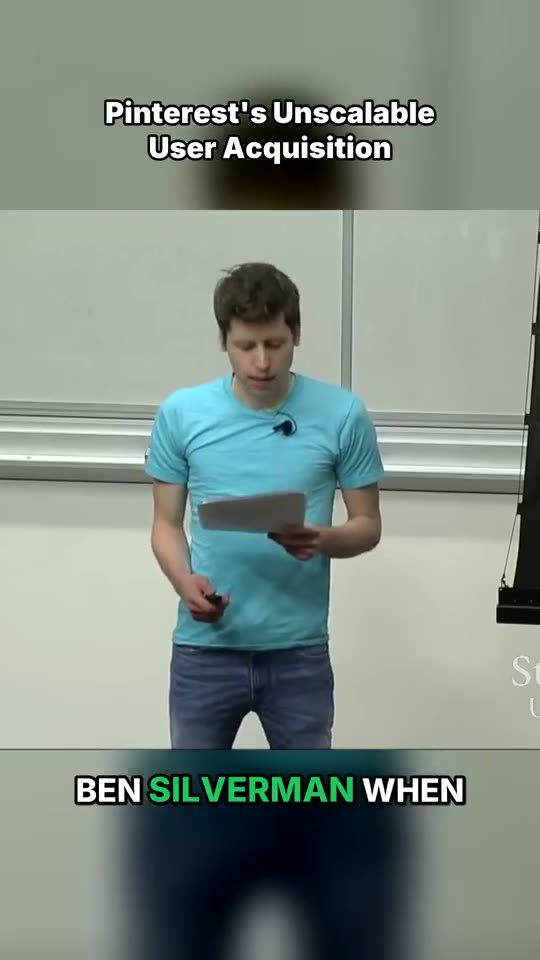
The same real clip rendered by Reel Stack in four layouts. Pick the one that fits each client's brand.
Split screen and Two speakers are on Pro and Agency. Source: “Lecture 1 - How to Start a Startup” by YC Root Access (Creative Commons Attribution).
Why it fits agencies
Clients stay separate
Workspaces keep every client's videos and clips in their own place.
A reason you can show
Every pick comes with a score and a plain-language reason, not a black box.
Finishing built in
Small fixes happen in the editor and re-render, without exporting to another tool.
What it can't do yet
Worth knowing before you start.
- One login per account: there are no team seats or shared logins yet.
- Reel Stack doesn't post or schedule to social accounts. You download the clips and post them.
- There are five caption styles; custom caption colours, fonts and brand kits aren't available.
- The main video is deleted after a set time on every plan (the clips stay longer). To edit a clip after that, upload the video again.
Are the clips watermarked?
Can I have more workspaces?
Ready to 10x your short‑form video output?
Paste a link or upload a file. Reel Stack finds the moments worth posting and turns them into captioned TikToks, Reels and Shorts.