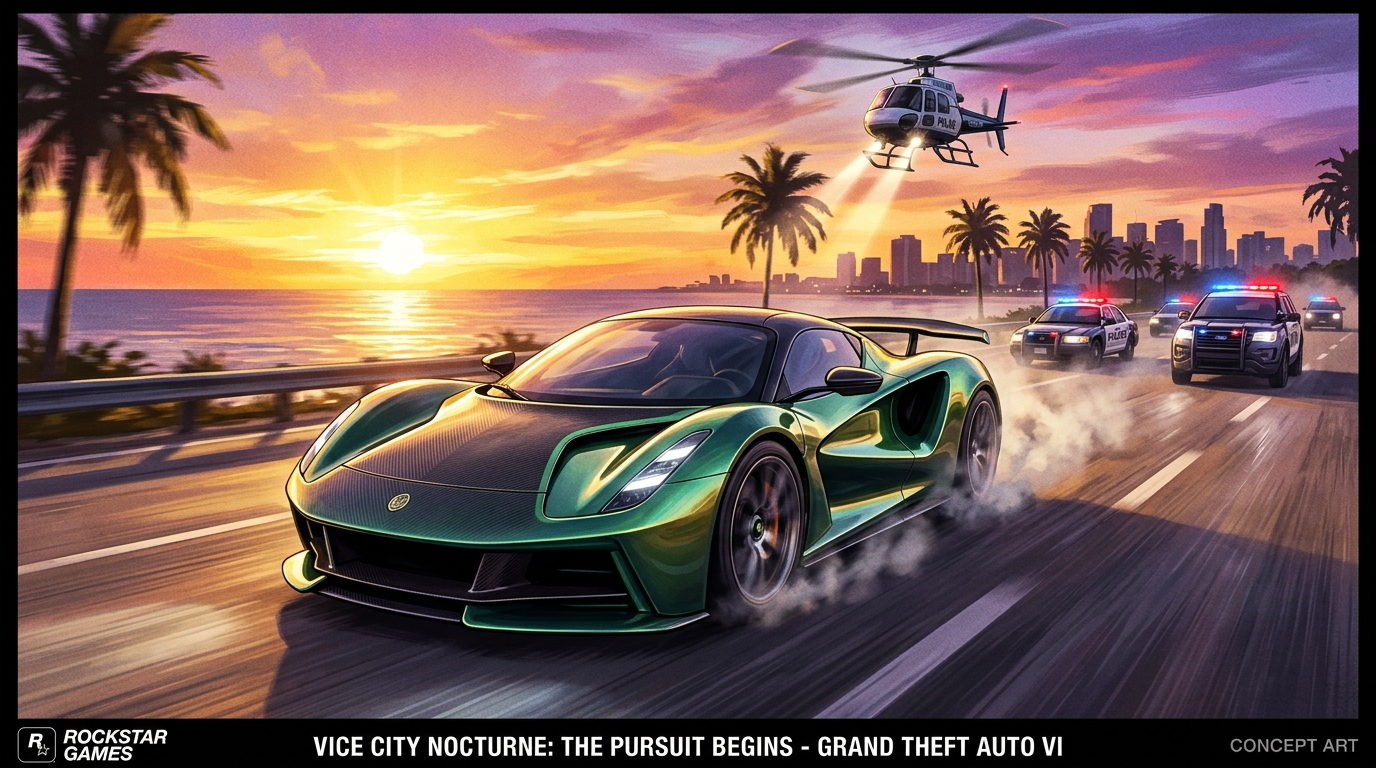

Top 5 GTA 6 Short-Form Formats
Suggested lengths and hooks for gaming shorts on YouTube and TikTok
| Format Category | Target Duration | Hook Formula | Why It Works | Viral Potential |
|---|---|---|---|---|
| Secret Easter Egg Guides | 35 to 50 sec | "Rockstar hid this secret 3 miles off Vice City coast..." | Curiosity gap | Extremely High |
| Physics Glitches & Fails | 15 to 25 sec | Instant visual chaos in frame 1 without preamble | Instant chaos, loops well | Viral explosive |
| Mission Speedrun Tricks | 40 to 60 sec | "This 10-second shortcut saves 5 minutes on the heist..." | Saves players time | Very High |
| Rare Vehicle Locations | 25 to 45 sec | Showcase rare vehicle + exact map coordinates overlay | Visual payoff | High |
| Lore Theories & Rumors | 45 to 60 sec | "Did you notice what this Vice City NPC whispered...?" | Sparks comment debates | High |
The First-Mover Race in Vice City Short-Form
When a monumental open-world title like GTA 6 hits the market, the search volume on YouTube, TikTok, and Instagram explodes exponentially. Millions of casual players immediately search for answers to questions like:
- "How to get into the military base in GTA 6?"
- "Where to find the fastest supercar in Vice City?"
- "Secret Easter eggs hidden in the Everglades wetlands?"
- "How to escape 5-star police wanted levels easily?"
The creators who win massive audiences during this period will not necessarily be the most famous esports celebrities. They will be the agile creators who find a secret, extract the 30-second explanation, and publish a polished 9:16 vertical video before anyone else.
Hooking Gamers in the First 1.5 Seconds
Gamers on mobile devices have zero patience. If your video starts with a 5-second intro logo, a generic greeting like "Hey guys, welcome back to the channel", or 10 seconds of unvoiced menu navigation, you have already lost most of your audience.
Adopt the In Medias Res Hook:
- Frame 0 to 1.5 seconds: Show the peak action immediately (e.g. your car flying off a skyscraper ramp or a secret door opening).
- Verbal Question Hook: Deliver a punchy premise: "Rockstar hid this secret 3 miles off the Vice City coast, and almost nobody noticed it."
- Visual Curiosity Cue: Use an on-screen arrow, circle, or text banner that highlights the focal point before the viewer can swipe away.
Framing 16:9 Gameplay for 9:16 Mobile Screens
Standard 16:9 widescreen gameplay cannot simply be zoomed into vertical without careful composition. If you zoom straight into the center:
- The minimap radar is chopped off.
- Vehicle speed and fuel indicators disappear.
- Dialogue subtitles from in-game characters are covered by TikTok captions or interface buttons.
Reel Stack's Whole frame layout avoids all three: it keeps the entire 16:9 picture, minimap and HUD included, centred on a blurred background, and places captions below it, clear of the platform buttons.
Pacing Secrets: Cutting Dead Air to Maximize Watch Time
In short-form video algorithms, Average View Duration (AVD) and completion rate are the kingmaker metrics. If your video has a 3-second pause where nothing happens while you check a menu, viewer retention drops off a cliff.
When combined with a seamless loop where the ending sentence naturally transitions back into the opening hook, viewers frequently watch your clip 1.2 to 1.5 times without realizing it.
The Step-by-Step Repurposing Process
Here is how to turn a gameplay session into a batch of polished GTA 6 Easter egg and guide reels:
- Record Clean Footage: Capture 1080p or 4K raw gameplay during your play sessions. Save bookmarks or chapter markers whenever you discover something cool.
- Upload or Link into Reel Stack: Drop your clip recording or YouTube URL into Reel Stack.
- Pick the Layout: Choose Whole frame to keep the full game screen, and leave jump cuts on to remove dead air.
- Add Animated Captions: Select bold, high-legibility subtitle styles that contrast against bright neon city lights or sunlit outdoor environments.
- Export and Queue: Export vertical 9:16 video files (1080x1920 on paid plans) ready to post on YouTube Shorts, TikTok, and Instagram Reels.
The 5-Minute GTA 6 Clip Publishing Checklist
Before you hit publish on any GTA 6 reel, run through this rapid pre-flight check:
- 0.0 to 1.5s Hook: Is the mystery, glitch, or stunt visible in the very first frame?
- Pacing: Are there any dead pauses exceeding half a second?
- Safe Zones: Are the subtitles and map overlays completely clear of the right-side like/comment icons?
- Thumbnail & Title: Does the cover frame capture an intriguing visual with high contrast?
- Pinned Discussion: Have you pinned a comment asking viewers: "Have you found this secret yet in Vice City? Let me know below."
By combining timely discoveries with Reel Stack AI automation, you will position your channel as the go-to authority for GTA 6 short-form entertainment from day one.
The 5-Minute GTA 6 Clip Publishing Checklist
Pre-flight checks before scheduling your reel across TikTok, Shorts, and Instagram